SMART Blog

Smart Services has been providing independent agents with proactive, fast, and expert technology services since 1991.

3 Proactive Ways to Maintain Your Business Technology

3 Proactive Ways to Maintain Your Business Technology

It’s easy to think of IT as a money sink. No matter how much you spend, there’s always some issue that surfaces, requiring a considerable investment on your part. But what if we told you that you don’t have to worry about IT issues?

With the right approach, you can transition from the traditional reactive method of IT maintenance to proactive IT solutions, designed to save you money.

0 Comments
Continue reading

Why and How a Technology Refresh is Actually Worth It

Why and How a Technology Refresh is Actually Worth It

It’s easy to skimp here and there when you run a business. After all, it isn’t cheap, and you have to make difficult decisions every day for where you’re prioritizing your spending. One area where you can’t scrimp on a substandard investment is your technology; especially an old computer that has broken down over and over again. If you’re not careful, that broken computer could be holding you back and costing you profit.

0 Comments
Continue reading

3 Ways to Address Digital Clutter on Your Desktop

3 Ways to Address Digital Clutter on Your Desktop

How much time do you waste every day while trying to find specific files? Chances are, it’s more than you’d like, and one quick glance at your digital workspace would tell us you have some tidying up to do. Today, we want to share three tips to help you be more organized and productive with your digital workspace.

0 Comments
Continue reading

You Need to Upgrade Your PC Now!

You Need to Upgrade Your PC Now!

The sun is setting on an era. On October 14, 2025, Windows 10 will officially reach its end of support. For millions of users worldwide, this marks a significant turning point, prompting questions, concerns, and perhaps a touch of nostalgia for an operating system that has served faithfully for a decade.

So, what exactly does end of support mean, and what should you be doing now to prepare? Let's dive in.

0 Comments
Continue reading

Switching to PC from Mac? Meet the Task Manager

Switching to PC from Mac? Meet the Task Manager

For those of you making the exciting leap from macOS to Windows, we understand that while the fundamental principles of computing remain, the execution often differs. In our ongoing series, we're dedicated to guiding you through these transitions, ensuring your journey into the Windows ecosystem is as smooth as possible. Today, we're tackling a universal computing challenge: the frozen application.

0 Comments
Continue reading

Hardware Prices Are Likely On the Rise in 2025

Hardware Prices Are Likely On the Rise in 2025

Many market analysts and industry experts foresee an increase in the cost of hardware. We recommend that you take matters into your own hands to dodge the price hike and purchase your new IT now before it costs you more to do so. The implementation of any proposed tariffs could impact the market as early as February 2025, so we wanted to discuss what you should consider when purchasing new hardware today.


0 Comments
Continue reading

Tip of the Week: Getting Windows Off Ghost Screens

Tip of the Week: Getting Windows Off Ghost Screens

If you want more productivity from the workday, then multiple monitors can help you achieve this goal. You might run into the issue of “ghost monitors,” though, where your PC believes you are connected to screens when you’re not. If you experience this issue and your application windows are off-screen and unobtainable, you’ll find this week’s tip helpful.

0 Comments
Continue reading

Shutting Down Your PC May Not Put a Stop to Your Processes

Shutting Down Your PC May Not Put a Stop to Your Processes

You’re probably familiar with a situation where your technology is on the fritz and someone says to you “Why don’t you turn it off and turn it back on?” What you have no way of knowing is that by turning it off and turning it back on, you aren’t getting the same result you would if you simply restarted the machine.

0 Comments
Continue reading

Tip of the Week: The Different Options for Powering Down Windows

Tip of the Week: The Different Options for Powering Down Windows

While your attention is likely more dedicated to how you use your computer while it’s on, it is just as important to consider the different ways that you can turn your computer off, in a manner of speaking. The varied options present in the Start menu will each have their own effect, so it is important to be aware of what these differences are. Let’s review what each option does so that you’ll be able to use them more appropriately.

0 Comments
Continue reading

Tip of the Week: How Serious is Blue Light Exposure, Really?

Tip of the Week: How Serious is Blue Light Exposure, Really?

Every day, it seems like there’s a new threat to be concerned about. Obviously, there’s the big one that the whole world’s been dealing with, but there’s also the smaller things that we’re supposed to be worried about… like “blue light”, for example. What is that, and what can it really do?

As it turns out, blue light is more than just a marketing gimmick, and can potentially impact your health. Let’s go over a few tips to help you filter it out, and why you may want to do so.

0 Comments
Continue reading

Do We Really Need a Computer Feature to Tell Us We Need a Break?

Do We Really Need a Computer Feature to Tell Us We Need a Break?

Workplace stress has increasingly been focused on as a prescient problem for businesses, with an increased focus on identifying the causes and mitigating the impacts. A recently published patent from Microsoft helps to demonstrate how seriously this is now taken… although it also begs the question: do we really need technology’s help to identify when we feel stressed?

0 Comments
Continue reading

Tech is a Big Seller on Black Friday and Cyber Monday

Tech is a Big Seller on Black Friday and Cyber Monday

With the holidays fast approaching, people are ready to go out and find the best, most perfect gifts for their loved ones. That said, people don’t want to spend their money frivolously; they want to find the best deals while they are available. We’ve compiled a list of some of the best Black Friday and Cyber Monday deals that have been announced so far.

0 Comments
Continue reading

I Need My Computer Repaired, and I Need It Right Now

I Need My Computer Repaired, and I Need It Right Now

So, you’re busy working, when suddenly your computer crashes…what do you do? Naturally, your first response should be to reach out for support. Let’s go into how your acquisition of support may go, even if your issue cannot be resolved remotely.

0 Comments
Continue reading

Tip of the Week: How to Turn Off Sticky Keys

Tip of the Week: How to Turn Off Sticky Keys

Sticky Keys—the Windows accessibility feature that keeps modifier keys like Shift and Ctrl active after you’ve pressed them—have a legitimate and necessary purpose for some. However, those who don’t need Sticky Keys can find them immensely annoying. Let’s go over how to deactivate sticky keys if you don’t need them.

0 Comments
Continue reading

What is the Command Prompt For?

What is the Command Prompt For?

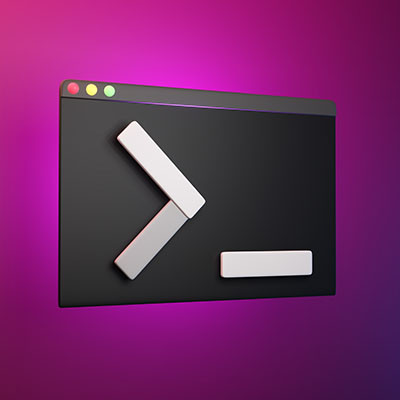
While using your computer, you might have seen a black box pop up with a blinking cursor in it. This is what is commonly known as the command prompt. It’s helpful for IT administrators to perform certain tasks, but you probably won’t use it much yourself. That said, it’s fun to know what it does and what it’s used for!

0 Comments
Continue reading

Keyboards Get Pretty Gross, Here’s the Safest Way to Clean It

Keyboards Get Pretty Gross, Here’s the Safest Way to Clean It

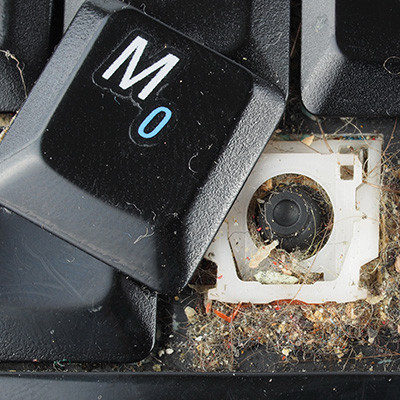
The keyboard that you may very well have used to access this blog is, in a word, gross. While we aren’t going to go into too much detail about what makes keyboards so grimy, we did want to outline how you can easily clean up your keyboard every so often, just to make sure that it’s A: more hygienic, and B: less likely to malfunction at some point.

0 Comments
Continue reading

Tip of the Week: Make Your Desktop Icons Bigger (or Smaller)

Tip of the Week: Make Your Desktop Icons Bigger (or Smaller)

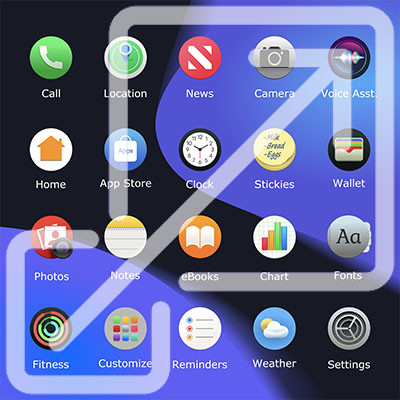
If you frequently use your desktop to store icons and files, and if you’re like most people who do this, you probably have a cluttered desktop that is difficult to manage. While you can and should take time to clean it up from time to time, one quick way you can do so is by adjusting the size of the icons found on your desktop.

0 Comments
Continue reading

Ask a Tech: How to Choose the Right Laptop to Buy

Ask a Tech: How to Choose the Right Laptop to Buy

We spend a lot of time working with the technology that businesses rely on, including the laptop workstations used by just about everyone in many organizations today. As such, we wanted to share some of our insights so that you know what qualities you should look for when you’re ready to acquire some additional devices for your business.

0 Comments
Continue reading

A Look Back at The Technology That Got Us Here

A Look Back at The Technology That Got Us Here

Think about all the things you’ve experienced thanks to the rapid innovation of technology. We can all agree that technology is cool. Today, we have $10 drones, mugs that keep your coffee warm, and LEDs everywhere. 

So what’s next? 

0 Comments
Continue reading

Is Free Antivirus Good Enough?

Is Free Antivirus Good Enough?

If you are old enough to remember when antivirus (like most computer software) came in a great big textbook-sized box at the store, then you probably remember a time when that was the only protection you really needed.

Today, there are countless free versions of antivirus out there. Let’s talk about how much protection these actually bring, and when and where they might be a good fit.

0 Comments
Continue reading

Mobile? Grab this Article!

QR-Code dieser Seite

Blog Archive

2026
February
March
April
May
June
July
August
September
October
November
December
2012
February
March
April
May
June
July
August
September
October
November
December
2011
January
February
March
April
May
July
August
September
October
December

Sign up for our Newsletter!

  • Company Name *
  • First Name *
  • Last Name *